Common problems with WiFi security cameras — and how to spec them out before you buy
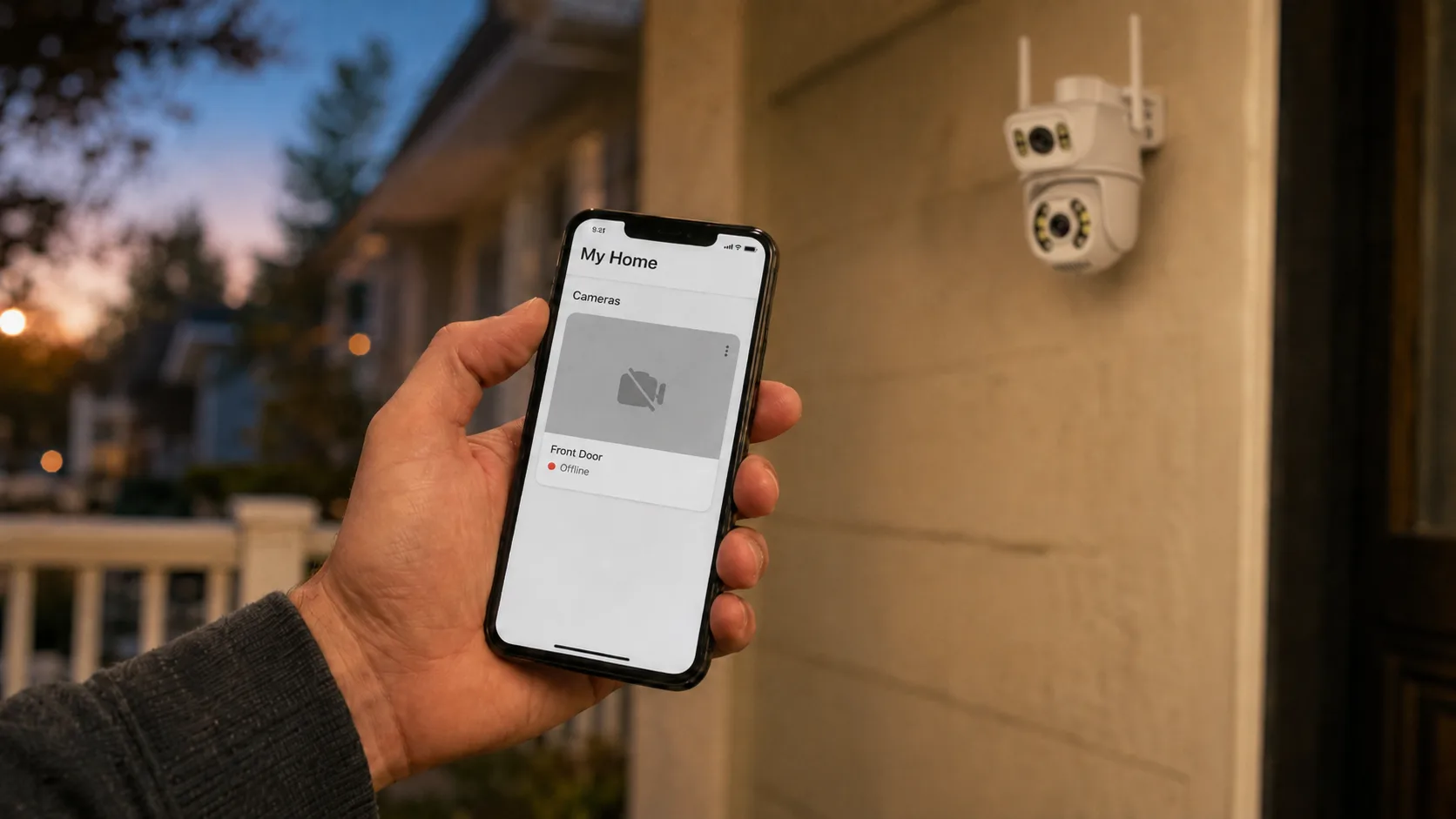
WiFi cameras are the easiest sell in security: no wiring, quick to mount, cheap to ship. They are also the product that comes back. If you are sourcing cameras to resell or put your brand on, the "common problems with WiFi security cameras" are not a troubleshooting topic for you — they are your return rate, your one-star reviews and your support inbox. The good news is that almost every recurring complaint traces to a few design and supplier choices you can vet *before* you place an order.
Who this is for: distributors and importers adding cameras as a category, e-commerce sellers choosing which WiFi models to list, and brands speccing an own-label line. This is not a guide to fixing one camera on one home network; it is a guide to choosing WiFi cameras that generate fewer problems for the people who buy them from you. If you are still deciding how to source at all, start with How to Choose a Security Camera Manufacturer.
First, the one thing most buyers miss
A phone only needs WiFi in short bursts — load a page, send a message, done. A security camera needs the connection all day, every day, streaming and standing by to record. That difference is why a signal that feels "fine" for browsing is often too weak to keep a camera online 24/7, and why connectivity is the single biggest source of WiFi-camera complaints. Keep that in mind as you read the problems below: most of them are not "the WiFi is bad," they are "the camera was not built to survive imperfect WiFi." A supplier worth buying from designs for the second reality.
Problem 1 — The camera keeps dropping offline
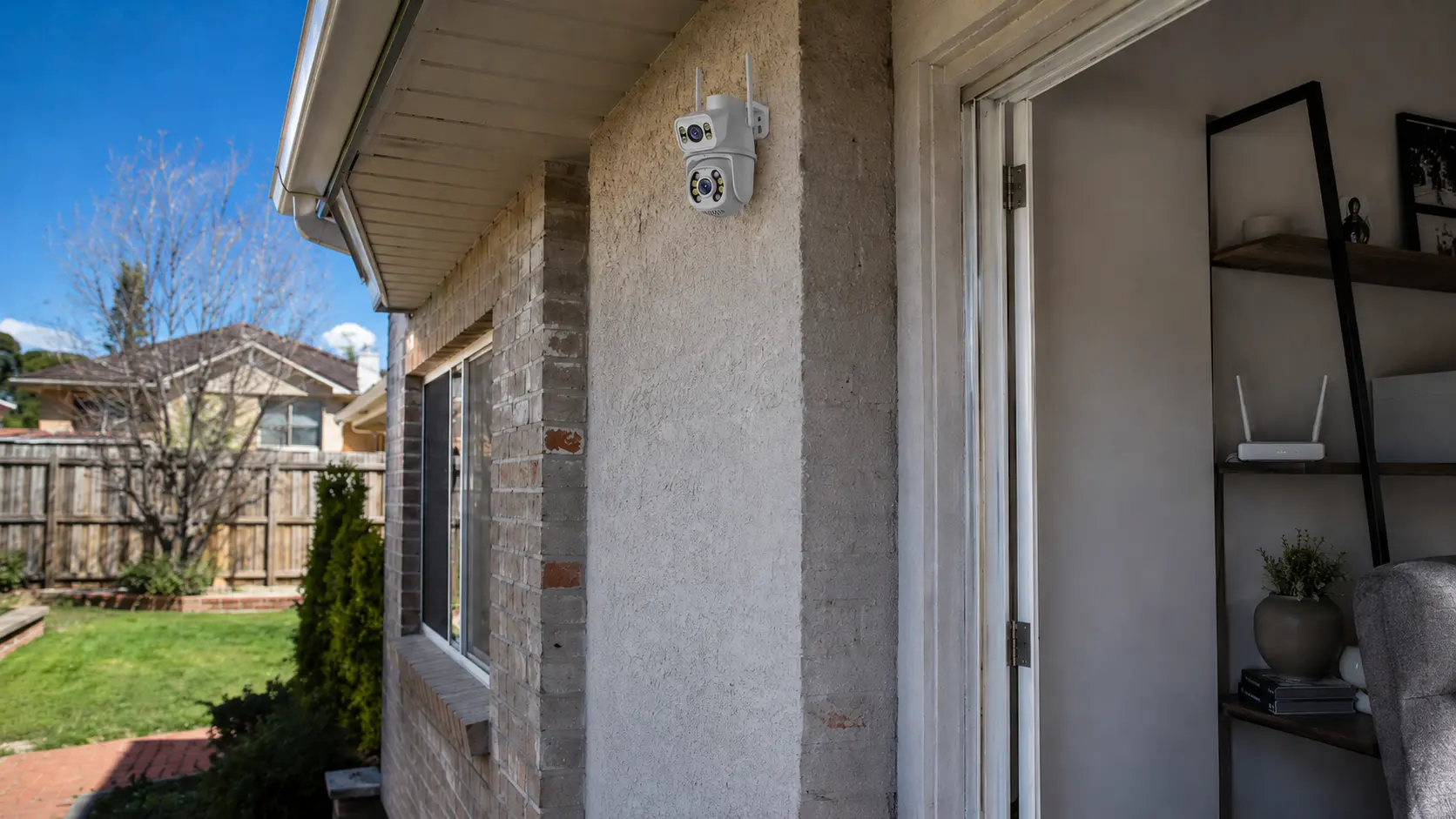
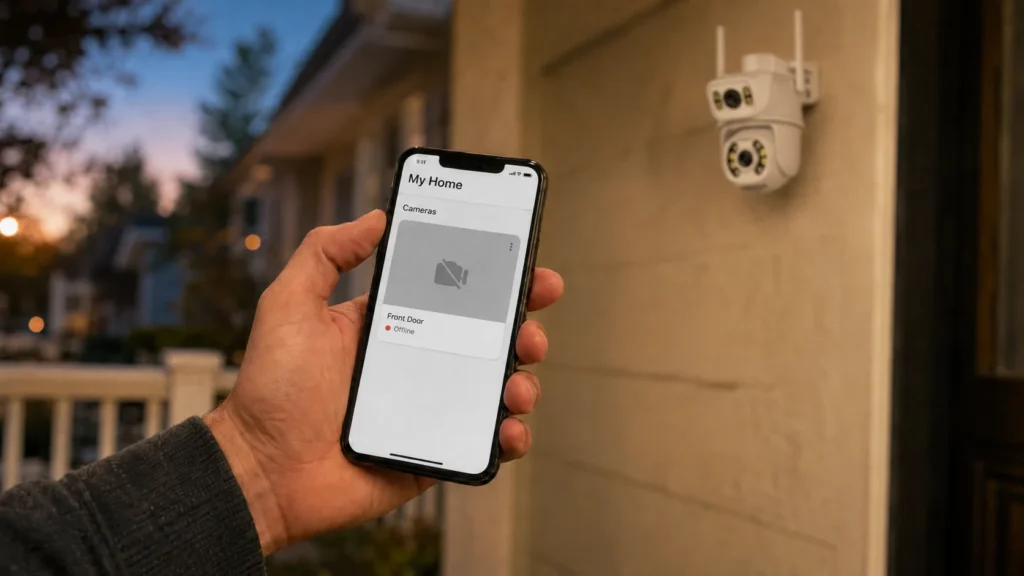
This is the number-one complaint across every brand’s support pages, and the number-one driver of returns. The camera shows "offline" in the app, misses events, or reconnects on its own minutes later. The usual causes are real and physical: distance from the router, walls and metal obstacles, a crowded 2.4GHz band shared with Bluetooth, microwaves, cordless phones and the neighbours’ networks, and plain weak signal at the mounting point.
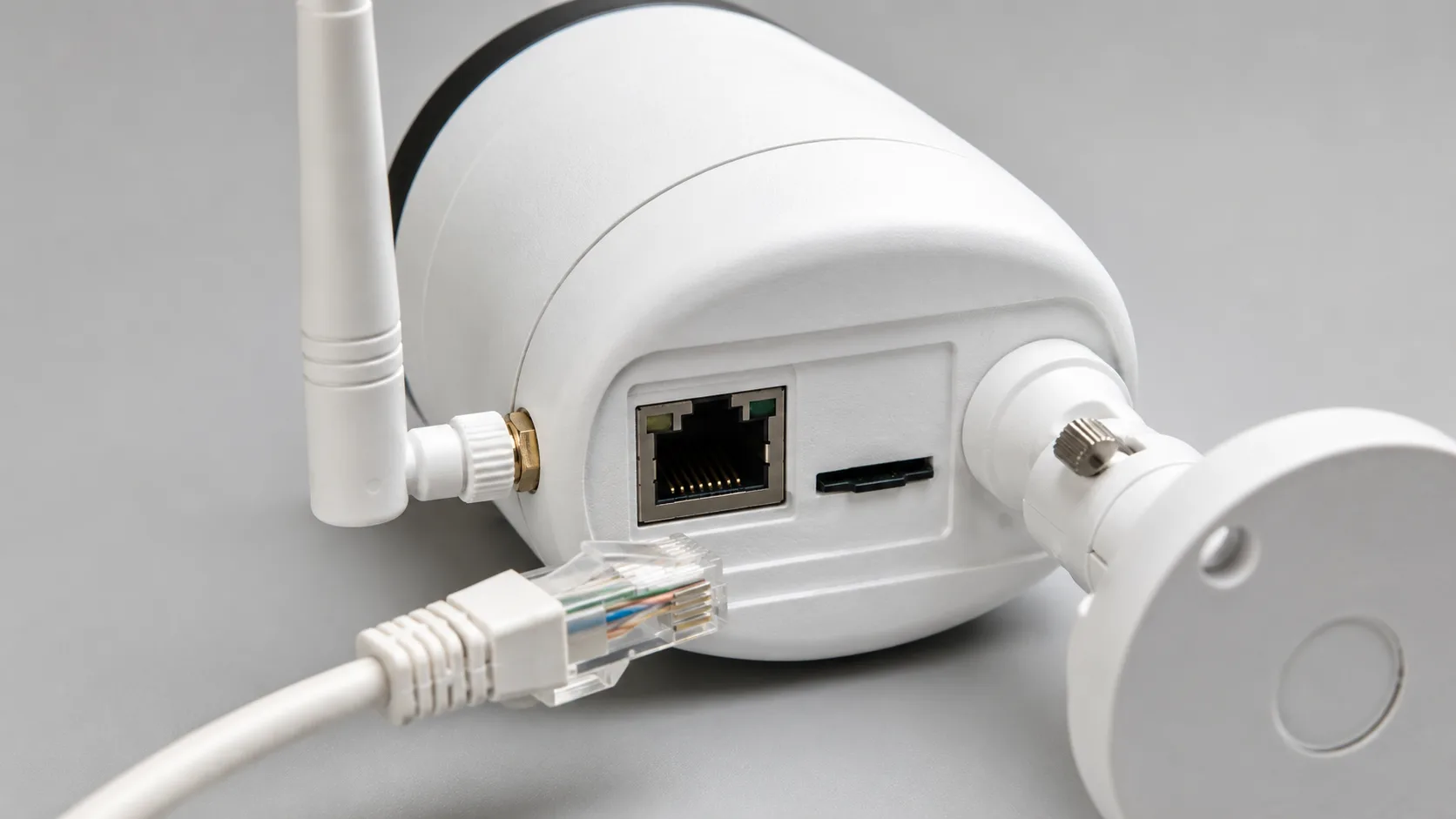
You cannot fix every customer’s router. What you *can* do is source hardware that holds up in poor conditions. What to demand: a genuine external antenna (not a token stub), a WiFi line that also offers an RJ45 wired-backup port so the hard cases can run on a cable, and clear guidance on mounting distance. A camera with a wired fallback turns your worst support cases — the ones at the edge of WiFi range — into a five-minute fix instead of a refund.
Problem 2 — Footage is missing exactly when it mattered
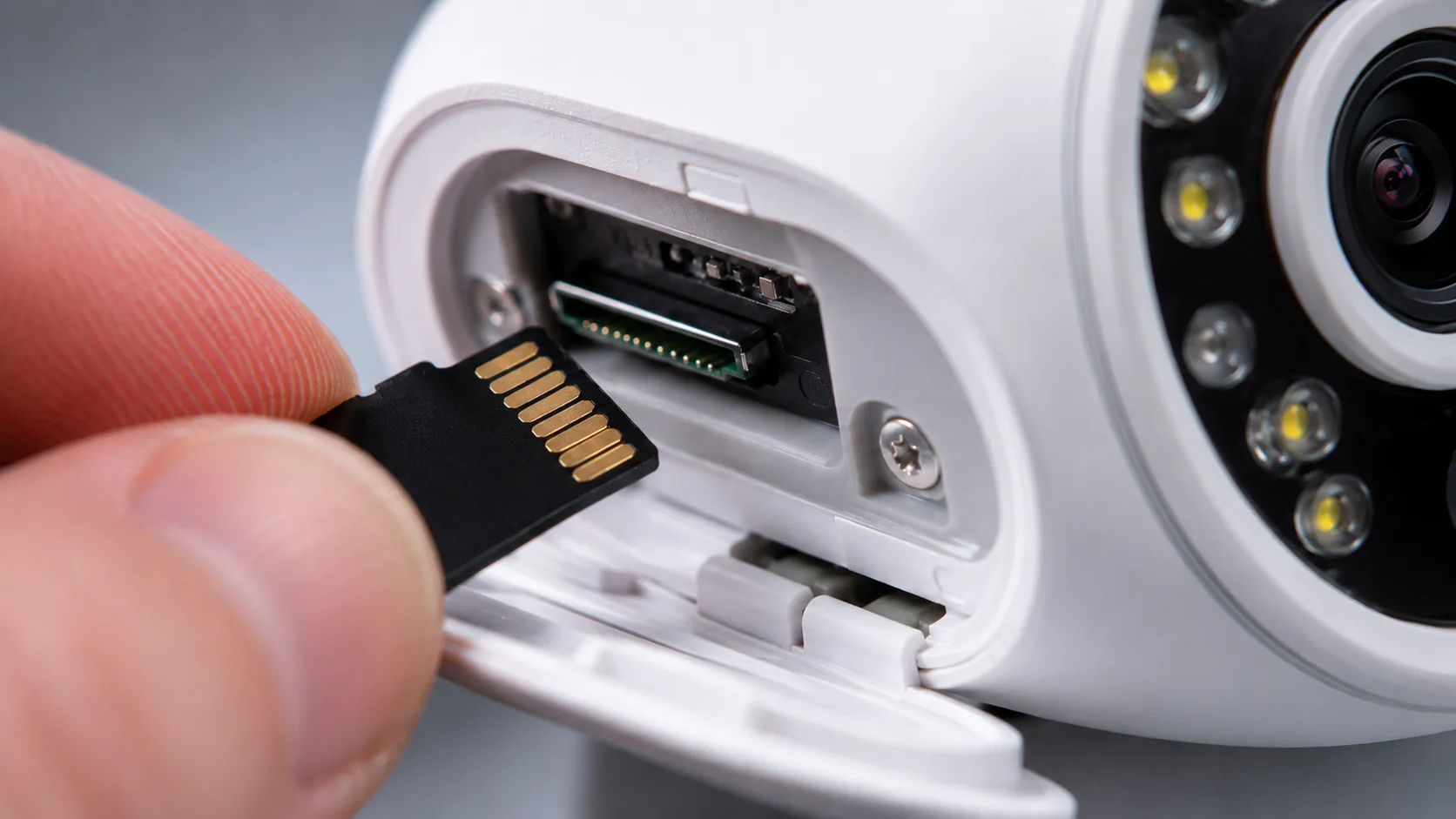
The second complaint is worse than the first, because it shows up after an incident: the customer goes to pull the clip and it is not there. This happens when recording depends entirely on a live connection — if the camera was offline or the cloud upload dropped during the event, there is no footage. For a buyer, this is the complaint that turns into a chargeback.
What to demand: local microSD recording on every unit, so the camera keeps recording to the card even when WiFi or the cloud drops. Local storage is the safety net that makes the difference between "the camera glitched" and "we lost the evidence." Confirm the maximum card size supported, and whether recording continues during a network outage — the answer should be yes.
Problem 3 — Too many false alerts
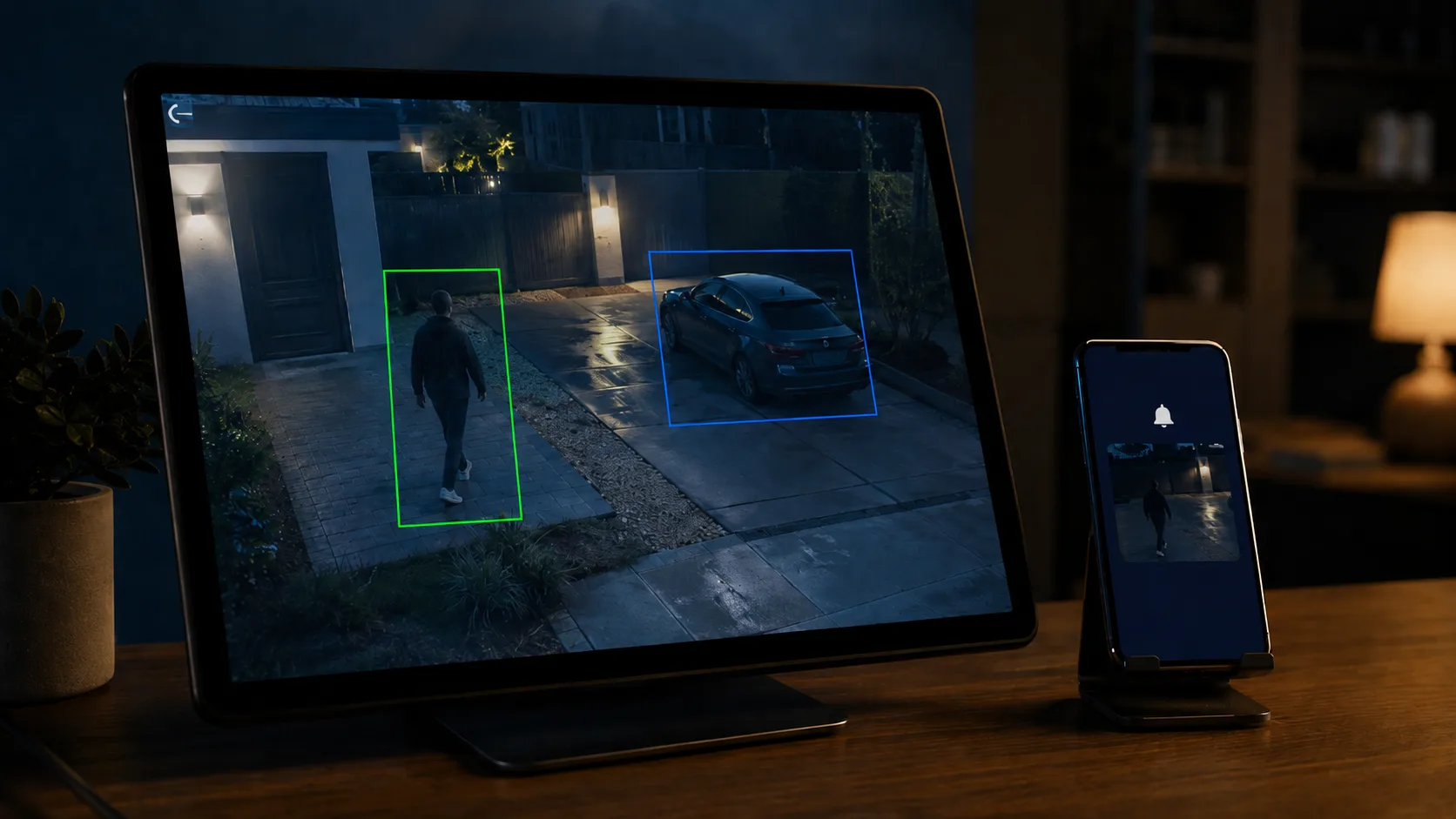
Every brand’s forums are full of it: the camera pings all day for a passing car, a shadow, a tree, the family dog, or — at night — rain, insects and bugs lit up by the IR. The root cause is simple motion detection (raw PIR or basic pixel-change) that cannot tell a person from a leaf. Customers either drown in notifications or switch alerts off entirely, and then complain the camera "missed" something.
What to demand: on-device AI detection that classifies what it sees — person, vehicle — instead of firing on any movement. On-device (not cloud-only) matters because it works without a subscription and without latency. We built our lineup around exactly this layered approach, with an optional cloud AI layer on top; the best AI security cameras guide breaks down what "AI" should actually mean on a spec sheet, and the white-label AI platform covers the software side.
Problem 4 — Poor night vision
A camera that looks sharp in the showroom can be useless after dark — washed-out IR, a bright blind spot, or glare bouncing off a wall, a window or a glossy surface near the lens. Night is when most incidents happen, so this is the problem that quietly erodes trust in the product.
What to demand: confirmed low-light performance for the exact model — IR range that matches the use case, and ideally a dual-light or full-colour night option for entrances. Ask for real night-time sample footage, not a spec line. Mounting guidance matters too: glare is often an install issue (IR reflecting off a nearby surface), so a supplier who ships clear placement advice saves you support tickets.
Problem 5 — Add a few cameras and the whole network chokes
A single WiFi camera is fine. Four of them, all streaming, can saturate a home or small-business upload connection — and then everything slows: the cameras lag, the video stutters, and unrelated devices feel it too. Buyers who sell "kits" hit this constantly.
What to demand: efficient video encoding (modern codecs), adjustable resolution and bitrate so the installer can dial cameras down where bandwidth is tight, and honest guidance on how many cameras a typical network can carry. A supplier who only quotes the headline megapixels, and never mentions bandwidth, has not thought about how their product behaves in a real deployment.
Problem 6 — Security and privacy: the camera gets hacked
Nothing damages a camera brand faster than a hacking story, and the cause is almost always mundane: shipped with a weak default password the user never changed, or firmware that never got patched. A camera is an internet-connected device watching someone’s home — buyers and regulators treat it that way, and so should your supplier.
What to demand: unique per-device credentials (no universal default password), a real firmware-update path so vulnerabilities can be closed after launch, encrypted connections, and a clear answer on who owns the cloud and the data. If you are building a brand, that last point is also a feature — your customers’ footage running through *your* branded cloud account, not an anonymous third party. The OEM vs ODM guide covers how app and cloud ownership work in a branded program.
Problem 7 — Forced cloud subscriptions and storage limits
The last recurring complaint is commercial, not technical: the customer discovers that to actually keep their footage, they have to pay a monthly cloud fee — and reviews punish the brand for it. On the other side, storage that is too small fills up and overwrites the clip they needed.
What to demand: local microSD recording as standard so cloud is optional, not mandatory, sensible storage management (loop recording, event-based retention), and — for a branded line — your own subscription plans rather than a fee that benefits someone upstream. Buyers reward a camera that works fully out of the box and offers cloud as an upgrade, not a tollgate.
The WiFi camera buyer’s checklist
Bring this to the first supplier call. A factory that answers all ten cleanly is one whose cameras will generate fewer returns; hesitation on any line is information.
- Is there an RJ45 wired-backup option on the WiFi line? For the deployments where WiFi alone will not hold.
- Does every unit record locally to microSD, and does it keep recording during a network outage? Confirm max card size.
- Is detection on-device AI (person / vehicle), or just raw motion? On-device, subscription-free, is the answer you want.
- Can I see real night-time sample footage for this exact model? Not a spec line — footage.
- What codec and bitrate controls does it support? So installers can manage bandwidth across a multi-camera site.
- Are devices shipped with unique passwords, not a universal default?
- What is the firmware-update path after launch? Security holes have to be closeable.
- Whose cloud and app is it, and can it run under my brand? Settle data ownership before you order.
- Is cloud optional (local recording standard), and can I set my own plans?
- Which certifications does this model hold for my markets? FCC, CE, RoHS, ISO 9001, plus regional approvals per SKU.
If a supplier answers these in one conversation, you have also just learned whether their WiFi cameras will be a quiet earner or a stream of support tickets.
Which problems hit you hardest — by buyer profile
- Distributor / importer: dropouts and missing footage drive your returns and RMA cost. Prioritise the wired-backup option and standard local recording — they cut the two most expensive complaints.
- E-commerce seller: false alerts and forced cloud fees drive your one-star reviews. Prioritise on-device AI and optional (not mandatory) cloud, and the review average takes care of itself.
- Brand building an own-label line: hacking risk and cloud ownership are existential. Prioritise unique credentials, a firmware-update path and a cloud that runs under your name — covered on the solutions page.
The pattern across all three: the cheapest WiFi camera is rarely the cheapest *program* once you count returns, reviews and support. The same logic runs through the wholesale buyer’s guide.
Frequently asked questions
What are the most common problems with WiFi security cameras?
The most common are cameras dropping offline (weak or congested WiFi, since a camera needs a constant 24/7 connection a phone never does), footage missing because recording depended on a live connection, too many false motion alerts, weak night vision, bandwidth congestion when several cameras stream at once, security risks from default passwords or unpatched firmware, and forced cloud subscriptions. Most trace to product and supplier choices rather than the customer’s network.
Why do WiFi security cameras keep going offline?
Usually weak signal at the mounting point — distance, walls, metal and a crowded 2.4GHz band shared with Bluetooth, microwaves and neighbouring networks — plus bandwidth congestion, outdated firmware or power fluctuations. A camera streams continuously, so a signal that is fine for browsing can still be too unreliable for it. Hardware with a real external antenna and an RJ45 wired-backup option holds up far better in poor conditions.
How do I stop false alerts from a WiFi security camera?
Choose cameras with on-device AI detection that classifies a person or vehicle, rather than raw motion detection that fires on shadows, headlights, pets, rain or insects. On-device AI works without a subscription and without cloud latency; sensitivity scheduling and correct IR placement at night reduce the rest.
Can WiFi security cameras be hacked?
They can, almost always because of a weak default password the user never changed or firmware that was never patched. Source cameras shipped with unique per-device credentials, a real firmware-update path and encrypted connections, and confirm who owns the cloud and data. For a branded line, your own cloud account is both a security and a marketing advantage.
Do WiFi security cameras work without internet or a subscription?
A good one should. With local microSD recording the camera keeps recording to the card even when the internet drops, so footage is not lost during an outage — and cloud stays optional rather than mandatory. Avoid models that only record to a paid cloud, since any outage or lapsed subscription means no footage.
Are WiFi cameras good enough for business use?
For many retail, residential and small-business sites, yes — provided the WiFi camera offers a wired-backup port for the hard mounting points, local recording so footage survives outages, and AI detection to cut false alerts. The problems appear when a basic WiFi-only camera with cloud-only recording is pushed into a deployment it was never built for.
Spec your WiFi camera line with us
If you are sourcing WiFi cameras to resell or brand, the fastest way to avoid the problems above is to spec them out before you order. Start your inquiry with your market and target volume, and the FAELAN team will walk you through the lineup — WiFi with RJ45 wired backup, microSD local recording, on-device AI detection, and an optional cloud layer under your brand — with the MOQ, certification scope and SKU mix that fit. See the range on the products page.